

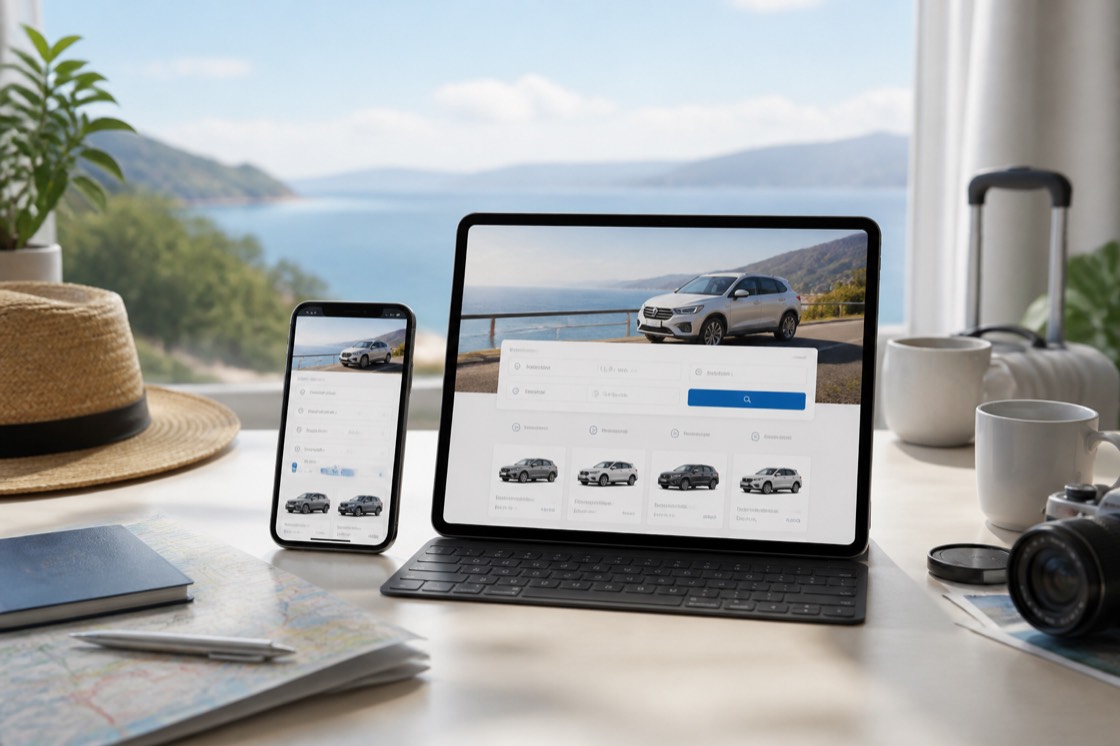
Planet Rentalcars is available beyond the website. You can book through our iOS and Android apps, use the ChatGPT (OpenAI) plugin to search and ask about offer. This guide shows where to book with us and what each channel offers.
Where you can find Planet Rentalcars
Whether you prefer booking on your phone, chatting in ChatGPT or clicking an ad while you plan a trip, Planet Rentalcars is available across several channels. The overview below shows where travellers typically find us.
| Channel | Where to get it | What you can do |
|---|---|---|
| iOS app | Apple App Store | Same booking journey as the website, often with better prices |
| Android app | Google Play Store | Same booking journey as the website, often with better prices |
| ChatGPT plugin | Directly inside the ChatGPT app or browser | Start searches, set filters and ask questions about offers |
| Website | planetrentalcars.com | Full comparison and booking experience in the browser |
iOS and Android apps
The Planet Rentalcars apps are available in the Apple App Store for iPhone and in the Google Play Store for Android. In the app you can do the same as on the website: search for rental cars, compare offers, set filters, review rental conditions and manage bookings.
- Same features as the website: Search, compare, book and handle common booking tasks from your phone.
- Often better prices: App users frequently see more favourable rates than on the website alone.
- Handy on the go: Useful when you want to check offers, change details or revisit a booking while travelling.
- How to install: Download the official app from the Apple App Store (iPhone) or Google Play (Android).
- Leave a review: If you enjoy using the app, we would be glad if you leave a positive rating in the App Store or Google Play Store. It helps other travellers find us.
ChatGPT (OpenAI) plugin
Planet Rentalcars is also available as a plugin in ChatGPT. You can download and enable it directly inside the ChatGPT app or browser, then talk to the plugin in natural language while you plan your rental car.
- Install in ChatGPT: Open the ChatGPT app or browserand add the Planet Rentalcars plugin for free. No separate store listing required for the plugin itself.
- Start a search: Ask the plugin to look for cars by destination, dates and trip needs.
- Set filters: Narrow results by the criteria that matter, for example car type, price range or other available filters.
- Ask questions about offers: Clarify what an offer includes, how options differ or what to check before you book.
For chat help on the Planet Rentalcars website, you can also use our assistant Emily — see Meet Emily: How to Use the Planet Rentalcars Chat Assistant.